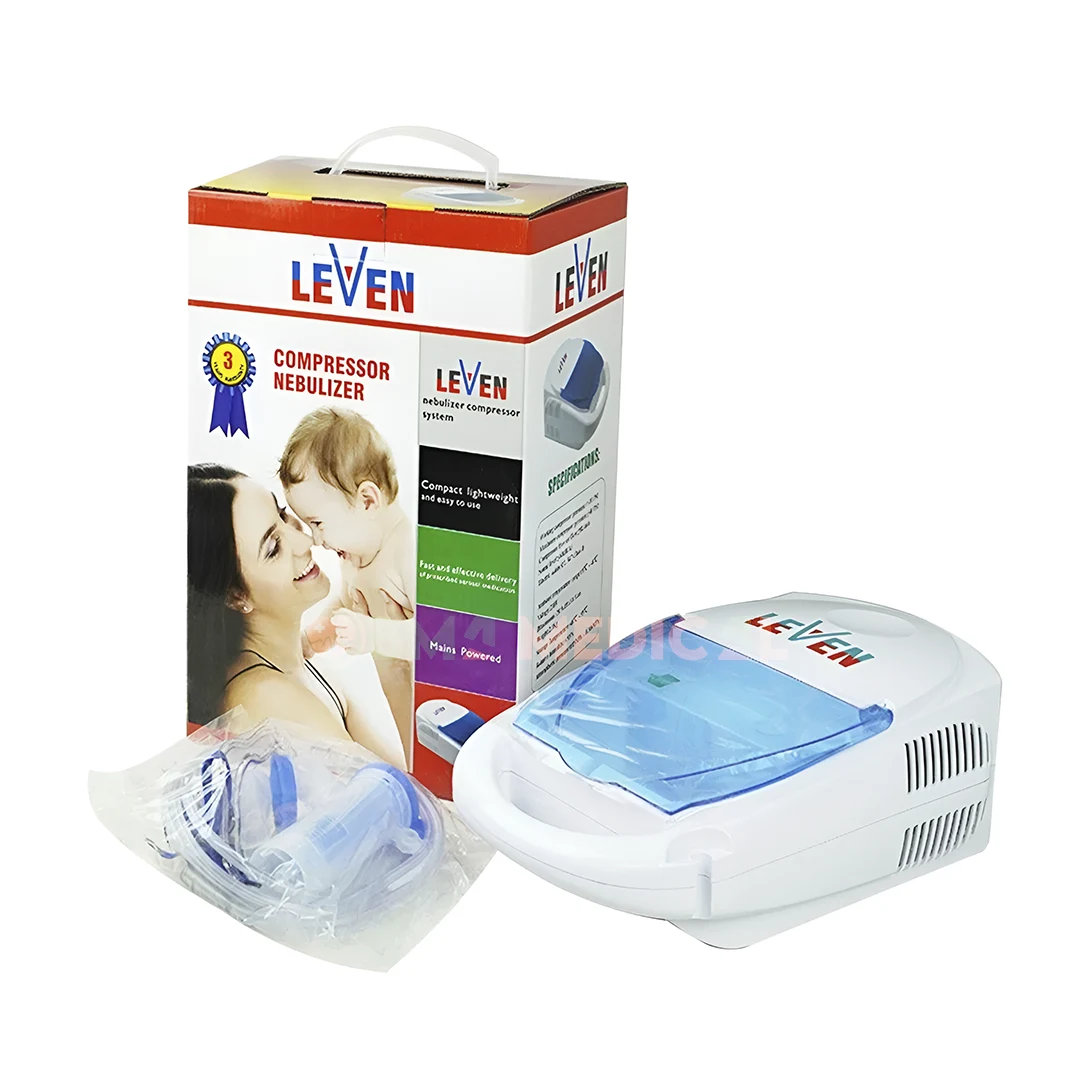
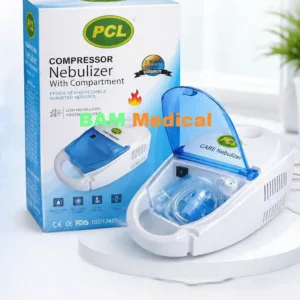
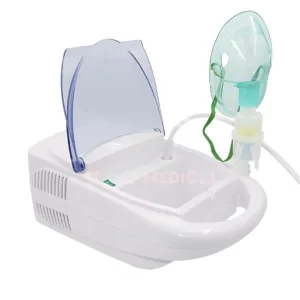
Description of Levin Compressor Nebulizer Machine
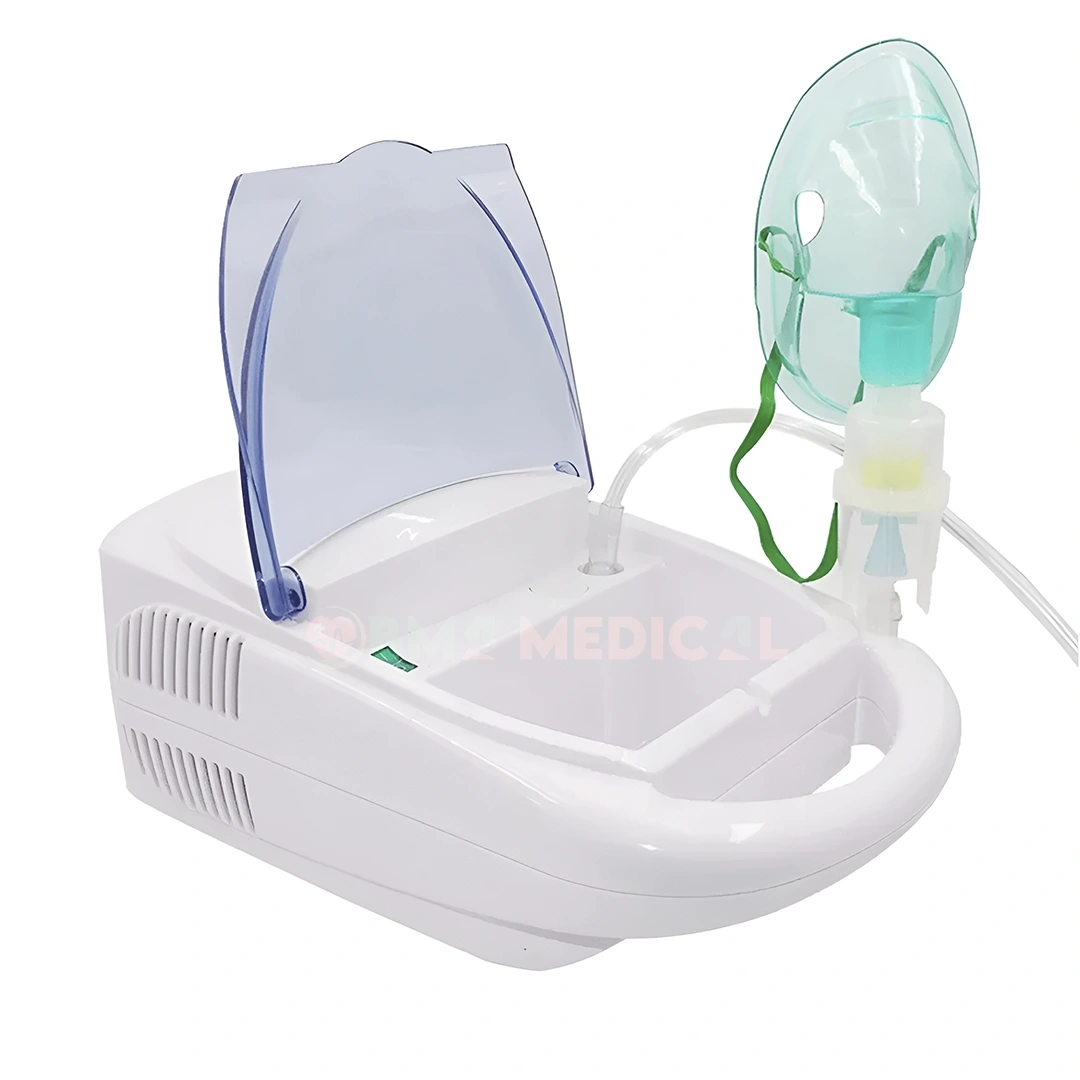
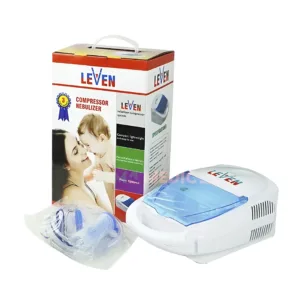
The Levin Compressor Nebulizer Machine is a reliable and high-performance medical device designed for the effective management of respiratory diseases such as asthma, chronic bronchitis and allergies. Designed for both clinical and home use, it provides a reliable solution for patients who require continuous aerosol therapy to deliver medication directly to the lungs.
Specifications of Levin Nebulizer
| Feature | Specifications |
| Product | LEVEN Compressor Nebulizer |
| Category | Nebulizer Machine |
| Brand | LEVEN |
| Model | N/A |
| Suitable for | Adults & Childs |
| Compressor Pressure | >10 psi, max>40 psi |
| Compressor Free Air Flow | > 8 L/min |
| Electric Requirements | AC 230V/ 50Hz ~ 120v/ 60Hz |
| Sound Level | < 60 dB(A) |
| Nebulizer Rate | 0.4 ml/min (without cap) |
| Medication Cup Capacity | 7ml (cc) max |
| Weight | Approx. 2.1 kg |
| Dimensions | Approx. 28.5 x 18 x 10.5 cm |
| Made By | LEVEN – UK |
| Assembled | China |
| Use For | Home, Office, Doctor’s Chamber, Pharmacy, Hospitals & Clinics |
| Box Contents | - Compressor Nebulizer
- Air Tube
- 5 pcs Replacement Filters
- Angled Mouthpiece
- Adult Mouthpiece
- Child Mouthpiece
- Instruction Manual
|
How to use the Levin Portable Compressor Nebulizer?
- Medication Preparation and Setup: Always wash your hands before handling the equipment. Place the compressor on a flat, stable surface near an electrical outlet. Open the medication cup and pour in the correct amount of liquid medication prescribed. Close the cup tightly to prevent leaks.
- Connect the tubing and attachments: Make sure the connections are tight to prevent air leaks. Connect one end of the clear air tube to the compressor’s output port and the other end to the bottom of the medication cup. Place the mouthpiece or face mask directly over the medication chamber.
- Inhale Treatment: Treatment usually takes 10 to 15 minutes. Plug in the device and press the power switch. Sit up straight to maximize airflow to the lungs. Place the mask over your nose and mouth (or press your lips together around the mouthpiece) and breathe in slowly until the medicine cup is empty and the mist stops coming out.
- Post-Treatment Cleaning: This is very important to prevent bacterial growth. Unplug the machine. Separate the medicine cup and mask/facepiece and wash them with warm water and mild soap, then place them on a clean paper towel and air dry. Do not wash the clear air hose.
Ease of Use and Maintenance
The system is designed with “one-button” operation, making it accessible to everyone. It usually comes as a complete kit, which includes:
- Adult and pediatric masks: Ensuring a comfortable fit for all ages.
- High-capacity medication cup: Clear markings for accurate dosing and a design that minimizes medication waste.
- Replaceable air filter: To ensure that compressed and inhaled air is free of dust and impurities.
Leven Compressor Nebulizer Machine Price in Bangladesh
Leven compressor nebulizer machine price in Bangladesh is BDT 2900 Taka. You can buy Leven nebulizer machine at the best price from BMA Medical Website. You also Visit our Facebook page and YouTube Channel.


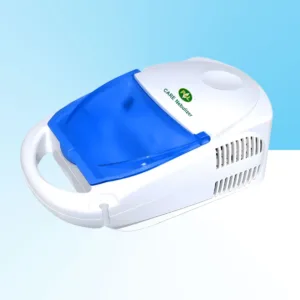
 Leven Compressor Nebulizer Mac...

Reviews
There are no reviews yet.